¶ API Integration
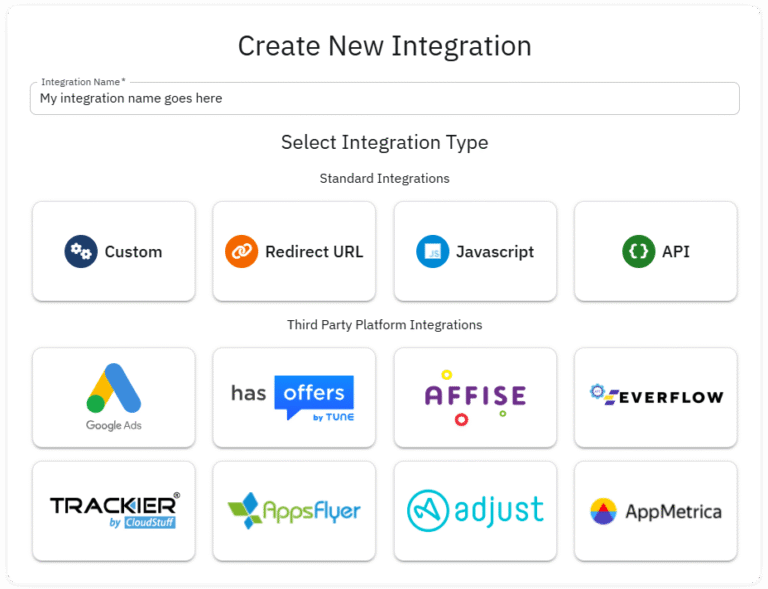
- From your Dashboard, go to Integrations menu and click + Create button.
- Name the integration (it can be changed later) and select the API Integration option then click NEXT
¶ Code Generator
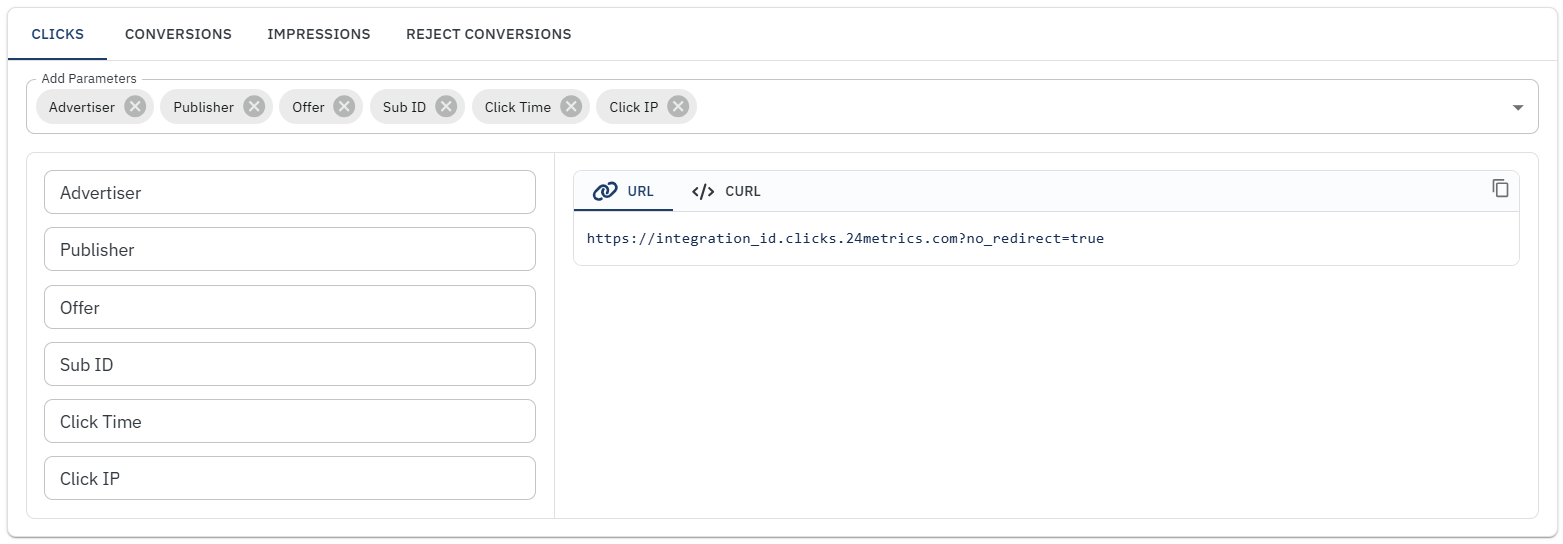
The Code Generator tab lets you build the API URL used to send clicks, conversions, and impressions to 24Metrics for fraud screening.
¶ How it works
For each request, the system analyzes the data in real time and returns:
- Status: Approved or Rejected
- Rejection Reason (if applicable)
¶ What you should do with the response
You are responsible for handling the response on your side. Based on the result, your system should decide how to proceed. For example:
- Accept and process Approved events
- Block, flag, or discard Rejected events
24Metrics does not actively block fraudulent traffic. It only evaluates incoming data and returns a decision. Enforcement must be implemented in your own system using the API response.
¶ Settings
General
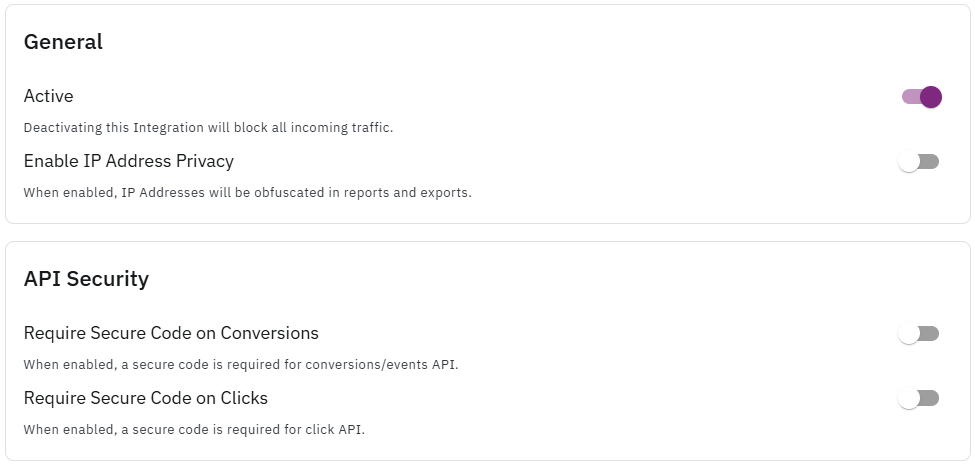
- Active: Deactivating this Integration will block all incoming traffic.
- Enable IP Address Privacy: When enabled, IP Addresses will be obfuscated in reports and exports.
IP Security
- Require Secure Code on Conversions: When enabled, a secure code is required for conversions/events API.
- Require Secure Code on Clicks: When enabled, a secure code is required for click API.
Blacklist/Whitelist
- Sources in the Blacklist will not be imported.
- Sources in the Whitelist will only import the specific sources listed and not import any other sources.
¶ Global Filters

Global rules for the fraud screening applied on integrartion level can be set here. However, Custom Filter Groups can be set and applied on selective offers, publishers or advertisers.
The groups and rules can be managed from the dedicated section available starting from the main menu:
- Filter Groups -> Filter Groups Management
Note: If monitoring mode is enabled, clicks that are rejected will not be blocked. Redirect to fallback or preview URL will also not work. Clicks will still be marked as rejected in the reports. In API response, both rejected status and monitoring status are shown.
Recommendations:
- Remember to set up the Filters to define the screening parameters before going live.
- Use the advanced endpoint to sync 24Metrics conversion status with a third party. Find the options in Advanced Settings under the Conversion tab.