

Rejection rate
Rejection Rate Alerts notify you when the percentage of rejected clicks or conversions crosses a set threshold. Use this to quickly catch and respond to traffic quality issues or fraud.
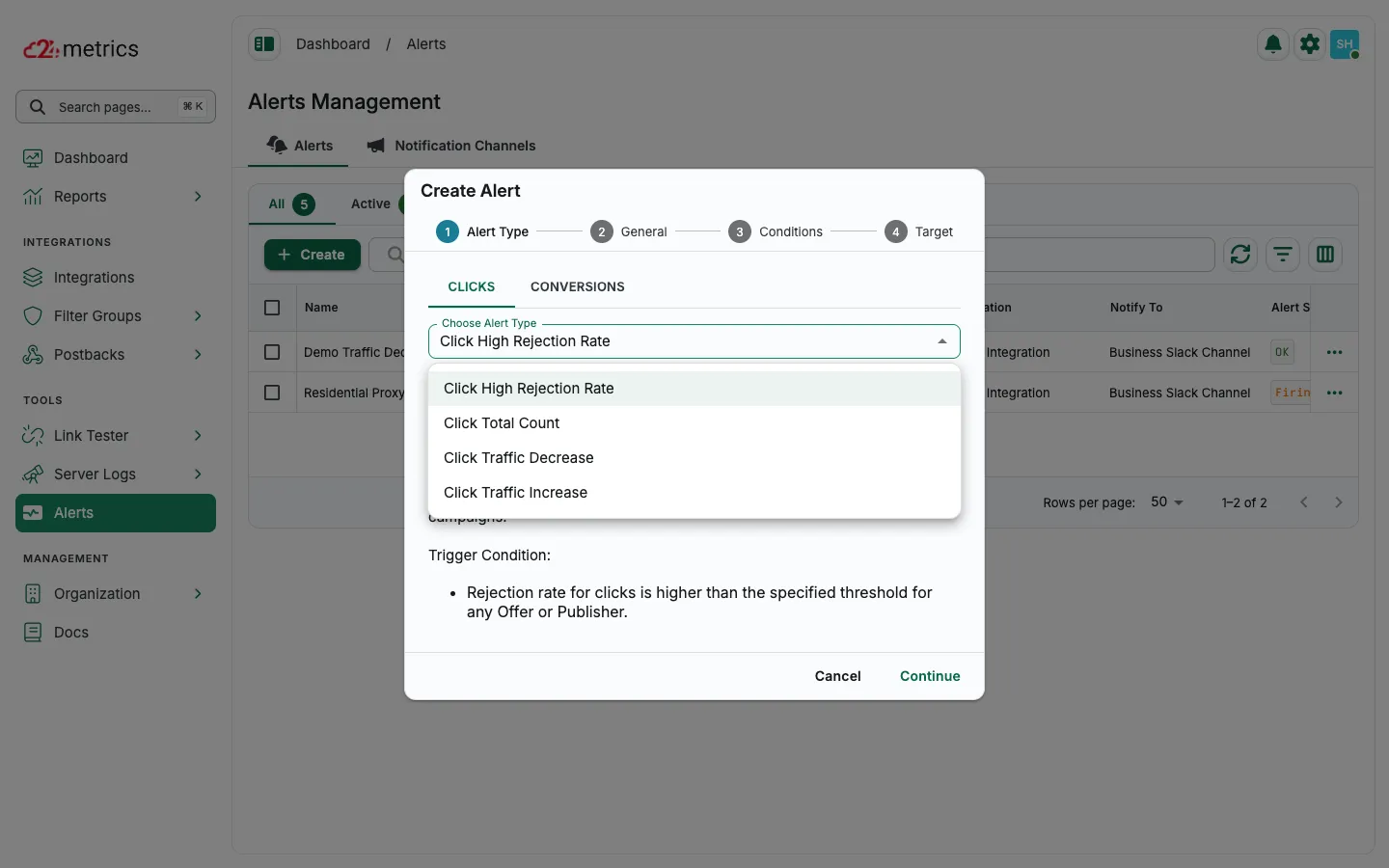
Start alert setup
Section titled “Start alert setup”-
Go to the Alerts tab
-
Click + Create
-
Select Clicks or Conversions (only one per alert)
General settings
Section titled “General settings”- Alert Name: Give it a clear name
- Notification Channel: Choose where alerts will be sent (email/Slack)
- Skip Resolved Notifications: Turn off if you want alerts when issues get resolved
- Repeat Firing Notifications: Keep on to get alerts every time the condition is met; disable to reduce noise
- Activated: Toggle off to pause the alert without deleting it
Set alert conditions
Section titled “Set alert conditions”- Target: Pick the integration to monitor
- Offer Filters: Add specific Offer IDs or leave blank for all
- Publisher Filters: Add specific Publisher IDs or leave blank for all