

Trackier
To integrate Trackier data with the 24metrics AdSecurity Platform, follow the steps in the Setup Wizard or watch the video tutorial at the end of this article.
Create a new integration
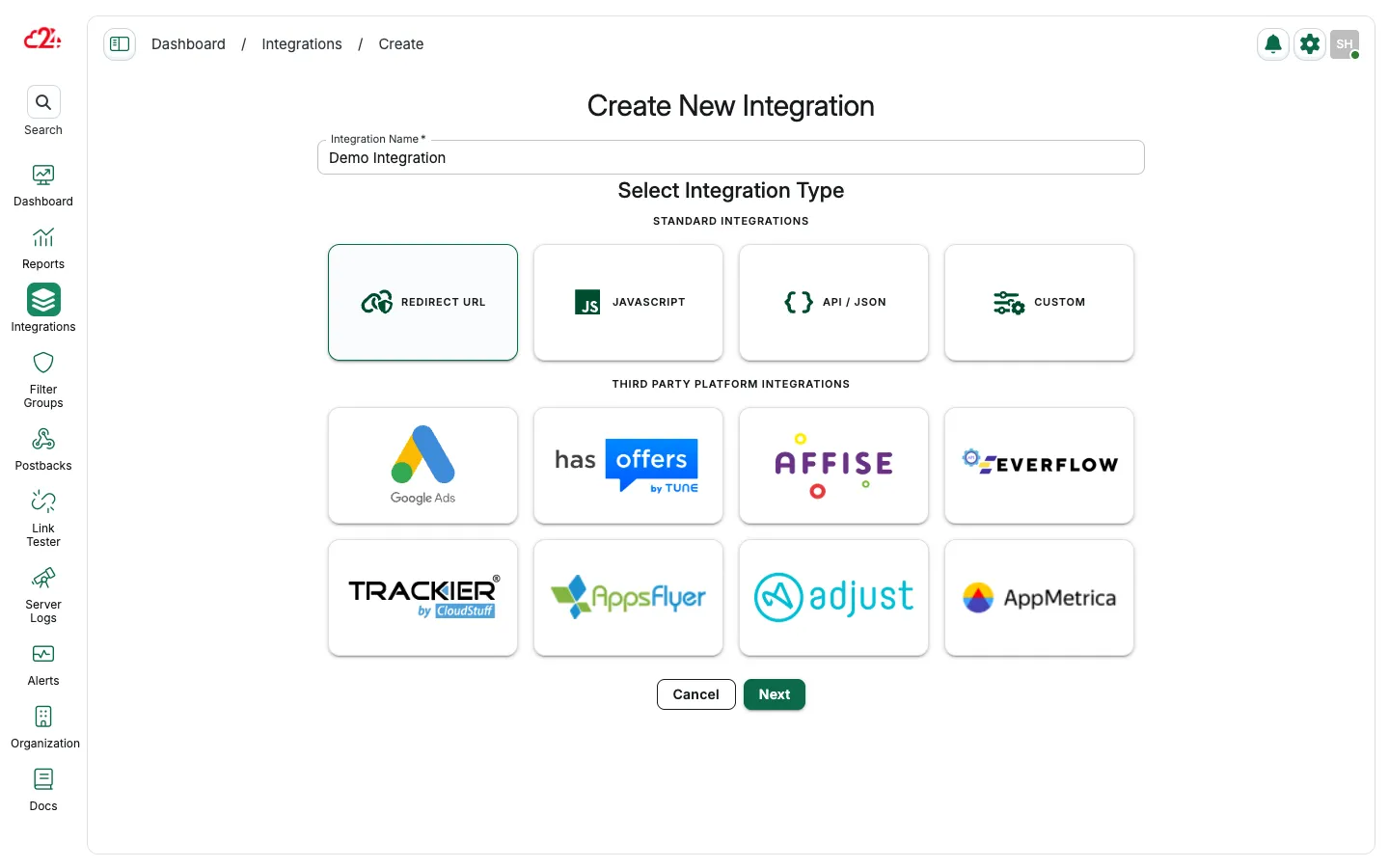
Section titled “Create a new integration”Open Integrations and click Create.
Select the integration type
Section titled “Select the integration type”-
Enter a name for your integration (you can update it later).
-
Select the
Trackiericon.
Enter the Trackier API key
Section titled “Enter the Trackier API key”-
Input your Trackier API key.
-
Click
Synchronizeand then Save to proceed to the next steps.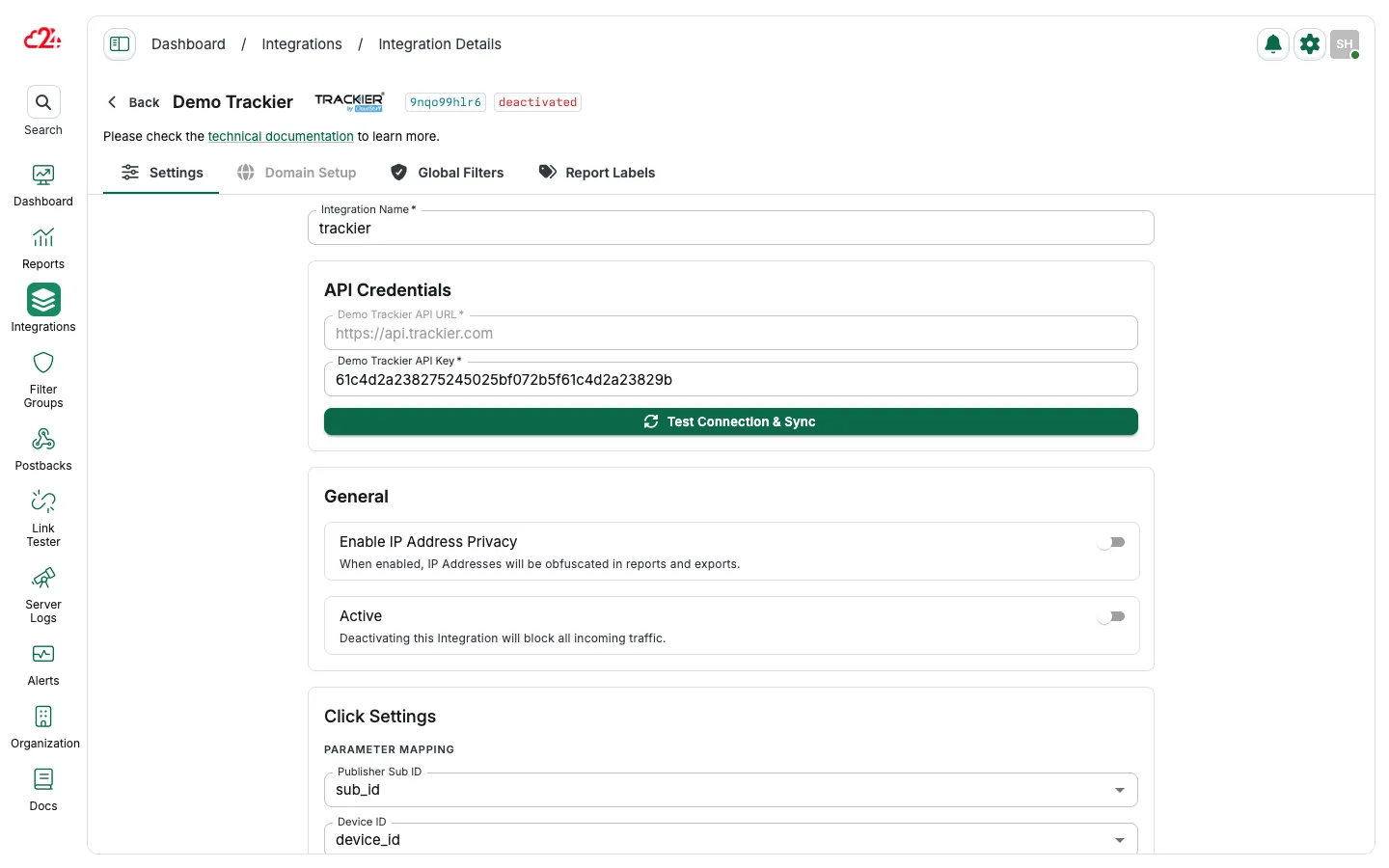
Configure click tracking
Section titled “Configure click tracking”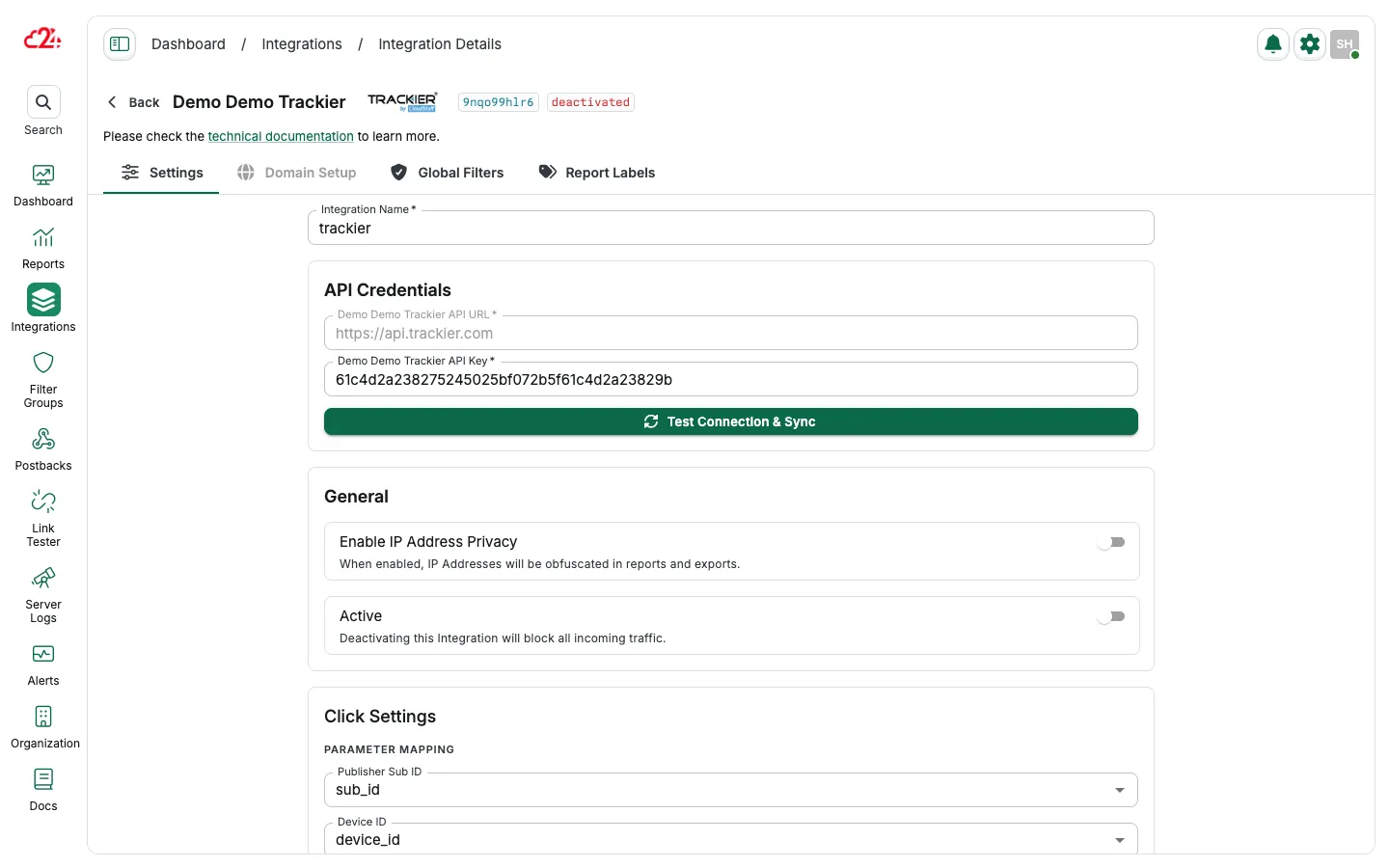
- Tracking Domain: select the tracking domain from the dropdown menu
- Parameters: select the parameter mapping to match Trackier data
- Approved Clicks management: select a domain from the dropdown menu. The domain must be different from the click domain.
- Refer to Trackier support for help with setting up a second domain into the platform.
Configure handling for rejected clicks
Section titled “Configure handling for rejected clicks”- Block rejected clicks
- Enter a Custom Fallback URL.
- Use the Offer Preview URL defined by Trackier.
Configure conversion tracking
Section titled “Configure conversion tracking”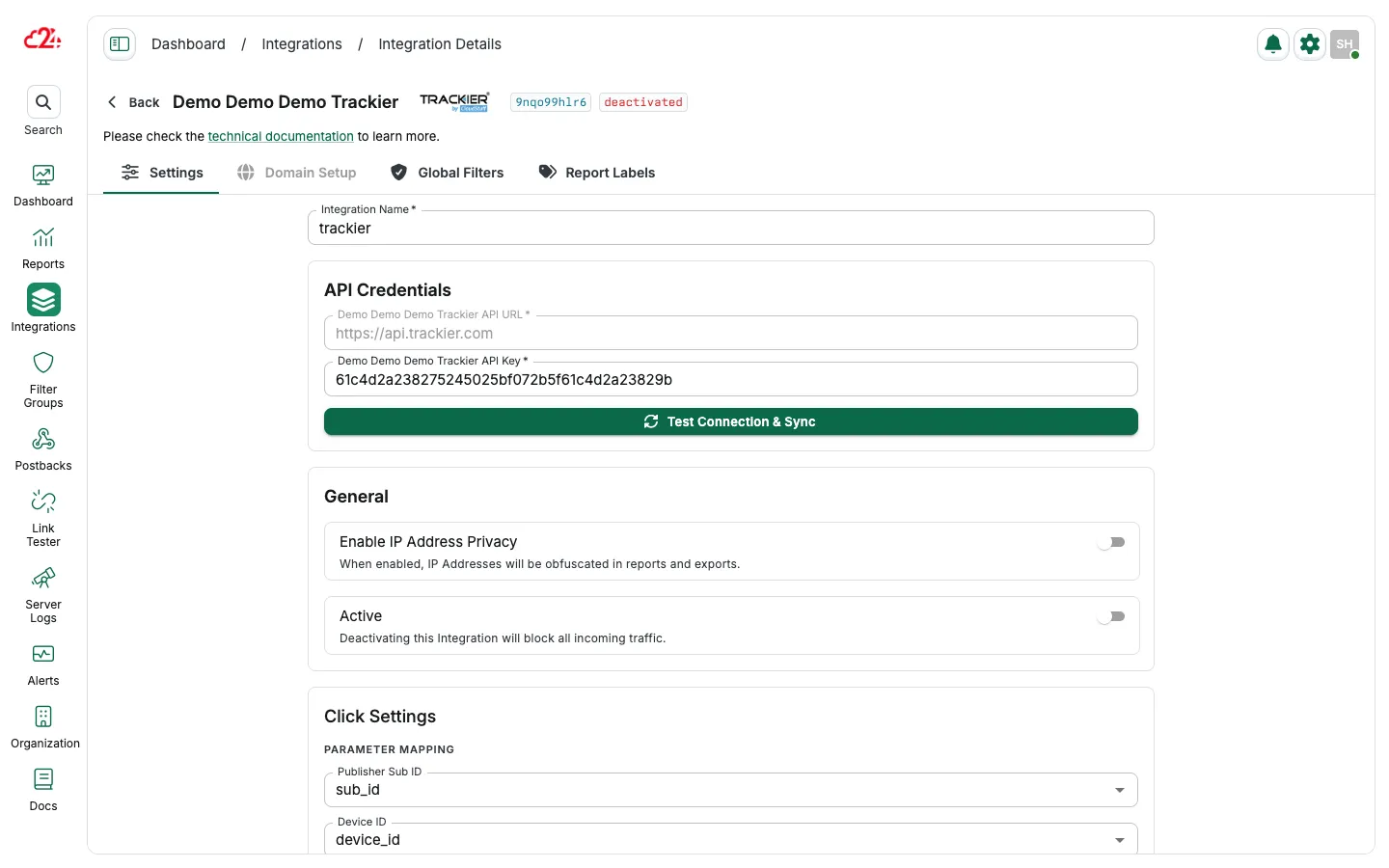
- Enable Conversions Import to track conversions within the 24metrics AdSecurity Platform.
- Map your parameters to the platform’s parameters to align Conversion Import Data.
Connect your domain
Section titled “Connect your domain”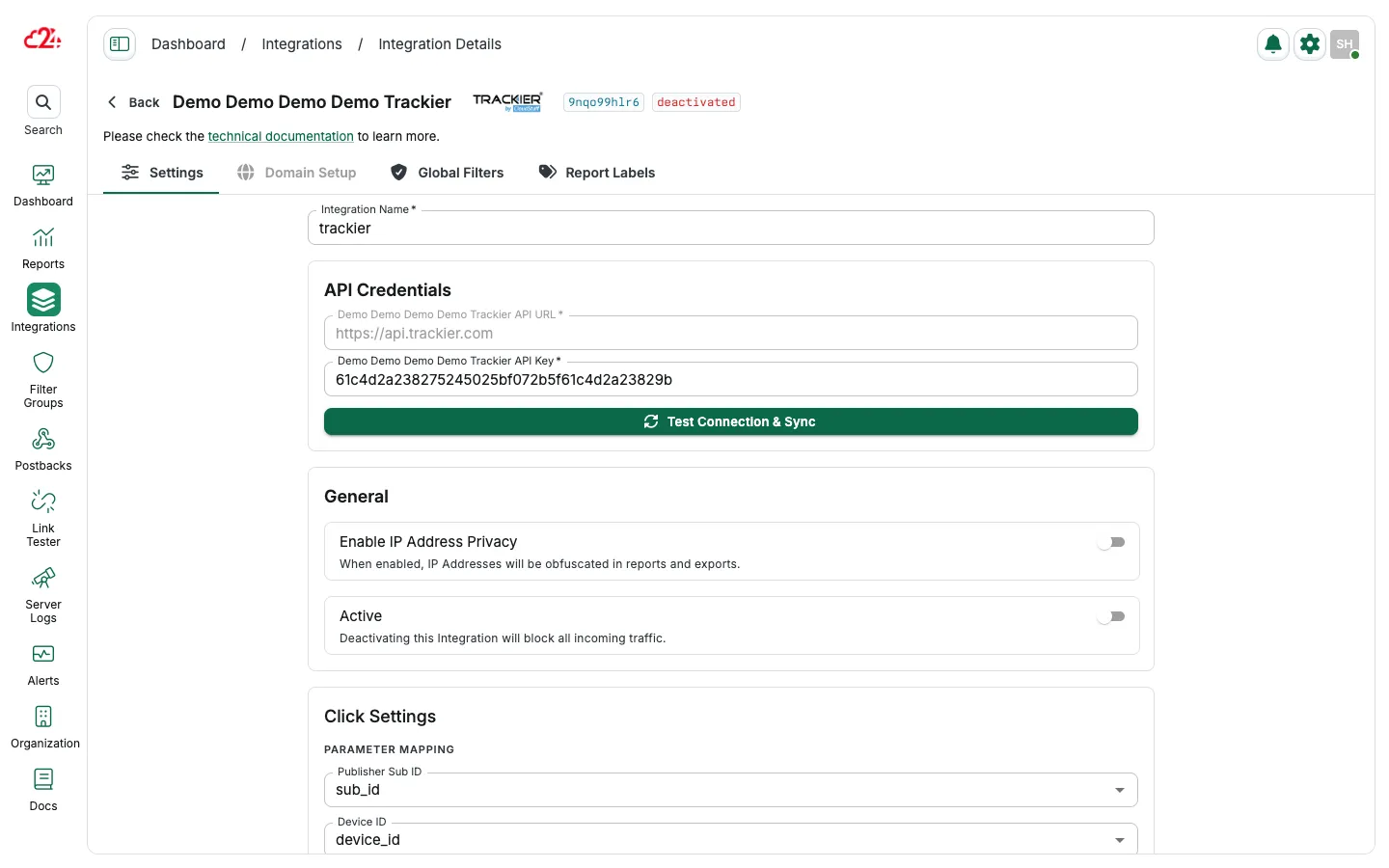
- Save the CNAMEs (Host and Value) from the Domain Setup Tab.
- Go to your domain hosting provider and login to the domain Control Panel.
- Go to Domain settings and add the 24metrics CNAMEs to your domain DNS Records.
The servers might take at least 15 minutes to update so broken links or 404 errors are normal. Please contact your hosting support for help with setting up the DNS Records.
By following these steps, you can seamlessly integrate Trackier data with the 24metrics AdSecurity Platform.
Whitelist our IPs
Section titled “Whitelist our IPs”Allowlist the 24metrics IP addresses used for conversion imports and postback calls. See Server IP allowlist for the current list.