Total volume count
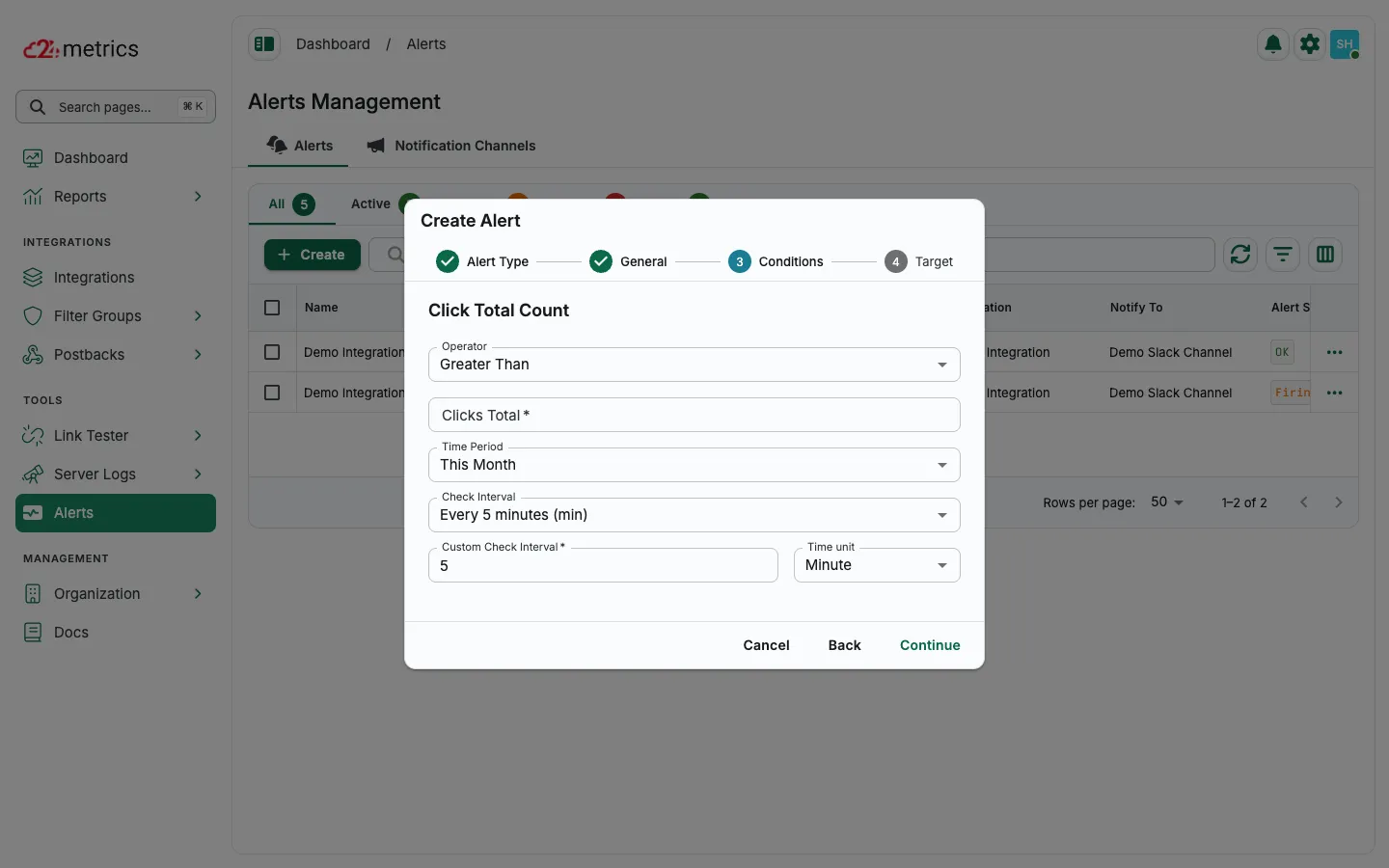
The Total Volume Count alert monitors click and conversion volumes, triggering notifications when the numbers go above or below your defined thresholds.
How to set it up
Section titled “How to set it up”- Open Alerts and click Create.
- Choose CLICKS or CONVERSIONS, then select Click Total Count (or the conversion equivalent) and click Continue.
- Enter an alert name and notification channel, then continue.
- Set the operator, threshold, time period, and check interval.
- Choose the target integration (and optional offer/publisher filters), then save.