
Click spam
Click Spam screens conversions for sources with a high share of long click-to-conversion sessions. It requires conversion tracking linked to clicks so that session time can be evaluated. It is not a click-volume filter, and a flagged pattern is not by itself proof that a conversion belongs to organic traffic.
Enable the filter
Section titled “Enable the filter”Open Click Spam in Filters, enable Enable Click Spam Filter, select Done, then save the page.
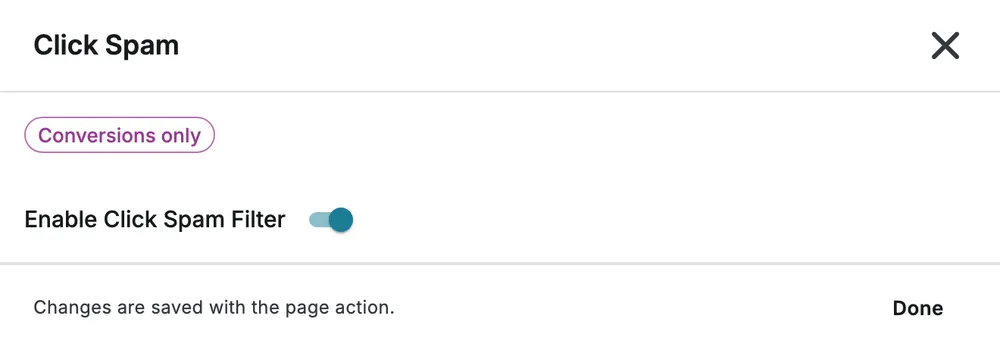
The customer view above exposes only the enable switch. Advanced configuration requires additional account access; do not expect those controls in every account.
Advanced controls
Section titled “Advanced controls”Where available, Set Rejection Threshold Percentage sets the allowed share of long sessions. Minimum Conversions sets the sample required before evaluation, Maximum Session Time (hours) defines a long session, and Lookback Time selects 12, 24, 96 or 720 hours. Check on Sub ID Level narrows the source-level evaluation.
New-group values are a 50% threshold, 50 minimum conversions, a 1-hour maximum session time and a 12-hour lookback. Presets and saved groups can use other values.
Example and caveat
Section titled “Example and caveat”A source with many conversions taking more than one hour can trigger screening once its sample and long-session share exceed the configured limits. This is different from rejecting every individual conversion over one hour. Use Session Time for a hard per-conversion limit, or Click Flooding for repeated click traffic.