

Emulators and bots
Emulator & Bots screens automated traffic using user-agent, IP and related request signals. It supports clicks, conversions and impressions. Supply the browser and device information available through your integration; the filter does not establish that every accepted request came from a person.
How it works
Section titled “How it works”Open Emulator & Bots in Filters, select the event type and enable the filter. Reject empty browser language additionally rejects requests without browser-language information.
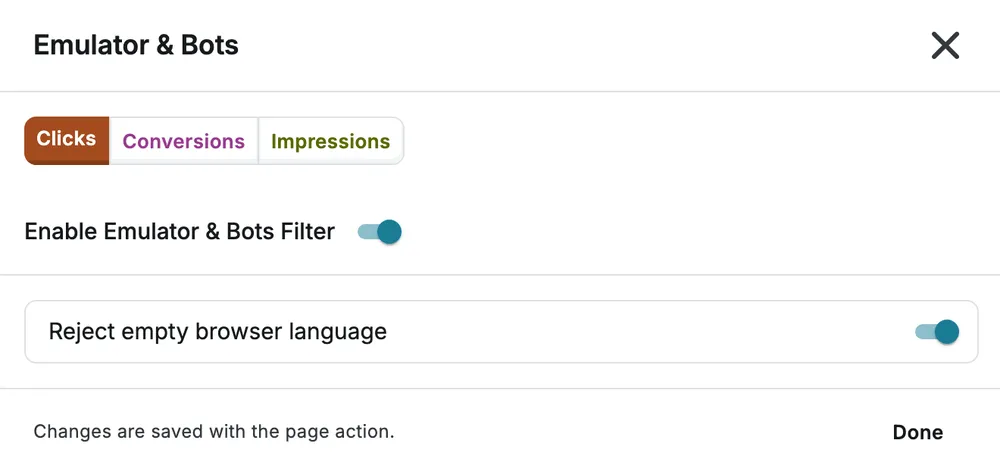
Select Done, then save the page. Advanced threshold, sample, lookback and exception controls are available only to accounts with additional access; they are not part of the customer view shown above.
Example and caveat
Section titled “Example and caveat”If your normal browser traffic always includes a language, rejecting an empty value can help screen requests missing that signal. Check integrations that legitimately omit it before enabling this option. A missing language alone does not prove automation.
Use Device Anomaly for source-level outdated-device patterns and VPN / Proxy for proxy screening.