
Zapier
To access the 24metrics AdSecurity with Zapier you must click on this URL and accept the invitation to get the Zapier Connection listed in your Zapier Account.
-
Accept the Zapier template invitation
https://zapier.com/developer/public-invite/188310/68583cdaf3e76184a7286329a9adbdea/
-
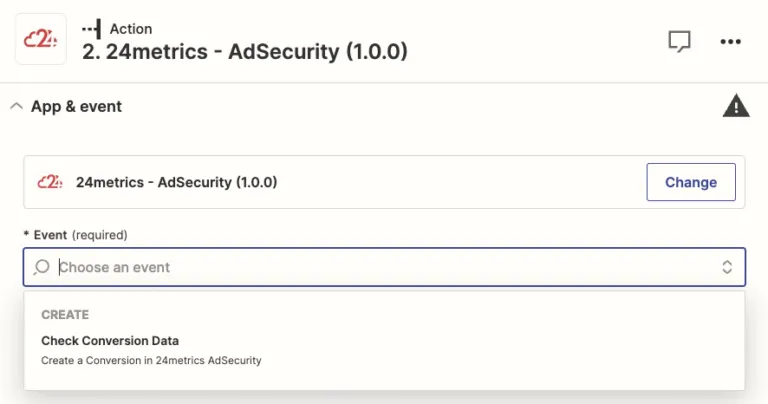
Select the event where this should be triggered on.
Choose an event from the list:
-
Create API integration inside 24metrics AdSecurity
Go to 24metrics and create an API integration. Once the API integration is created with 24metrics, the
Integration IDwill be available in the Main integration window.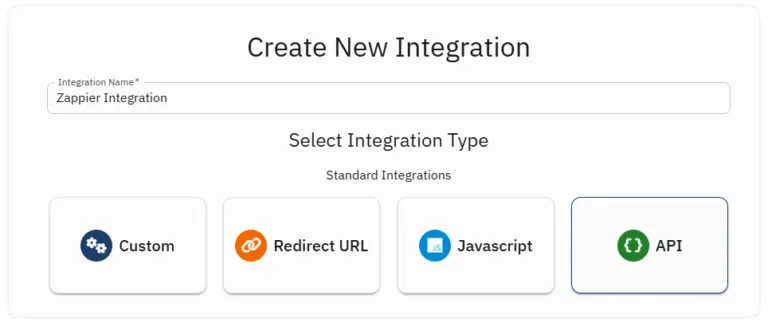
-
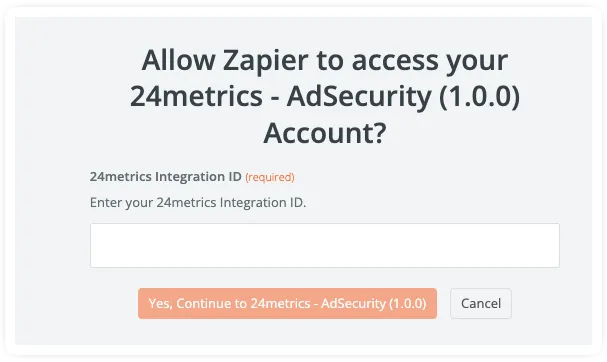
Authenticate with 24metrics integration ID
Insert the 24metrics Integration ID in the dedicated field.
- The ID is available inside the 24metrics Platform.
- Navigate to Integrations → API Integration

-
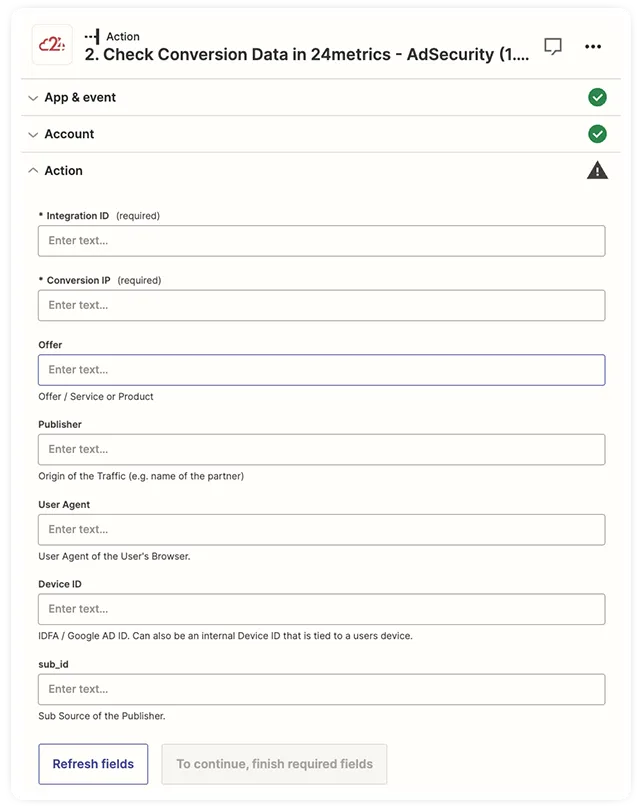
Enter the screening macros
Integration ID and Conversion IP are mandatory fields: